Leave & Absence Management for Companies

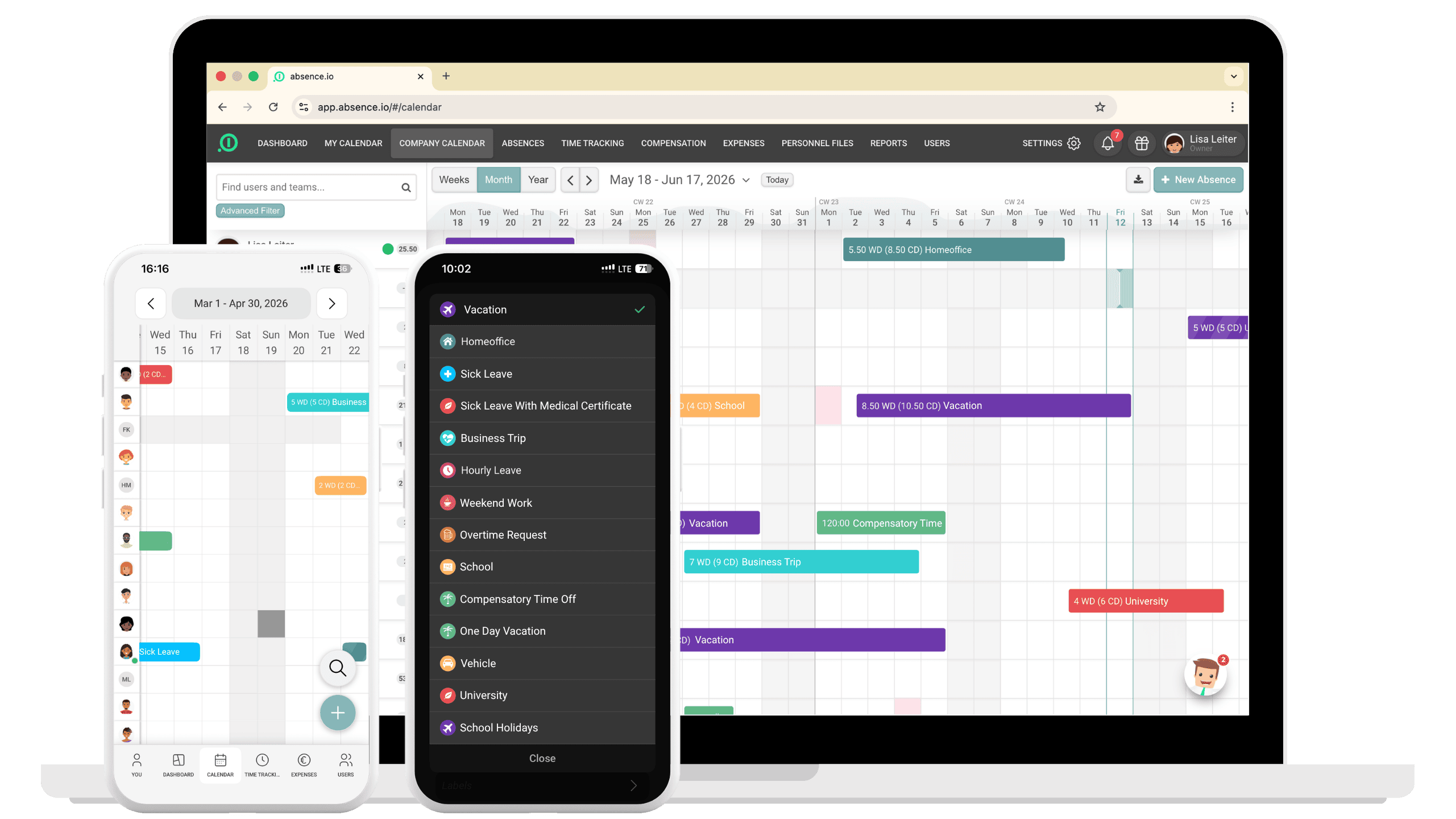
Team calendar with leave management on desktop and mobile app with selectable absence types in absence.io

Leave & Absence Management for Companies

Team calendar with leave management on desktop and mobile app with selectable absence types in absence.io
OMR - Rating Widget

3,000+ companies trust absence.io every day

Easy requests & approvals

Request and approve time off in just a few clicks – without email back-and-forth or Excel chaos.

Simple, intuitive & transparent

A user-friendly interface with a clear overview of all relevant absences and time off.

Fast & flexible implementation

Get started in minutes and adapt the software to your processes and company structure.

Smart & practical integrations

Seamlessly connect with Microsoft, Google, Slack and more for smooth daily workflows.
EASY REQUESTS & APPROVALS

Manage leave and time off in just a few clicks

Request vacation, business trips, sick leave or any other type of absence directly in the tool and approve them in seconds. If needed, you can assign a stand-in right away, so it's immediately clear who's covering your tasks while you're out. All requests are managed in one central place, fully transparent and accessible at any time.

Avoid time-consuming email coordination, reduce misunderstandings and keep track of all pending and approved leave requests. You can define access rights individually to match your organizational structure.

The software works as a web and mobile app across all devices, whether desktop, laptop or smartphone.

Einfache & flexible Zeiterfassung

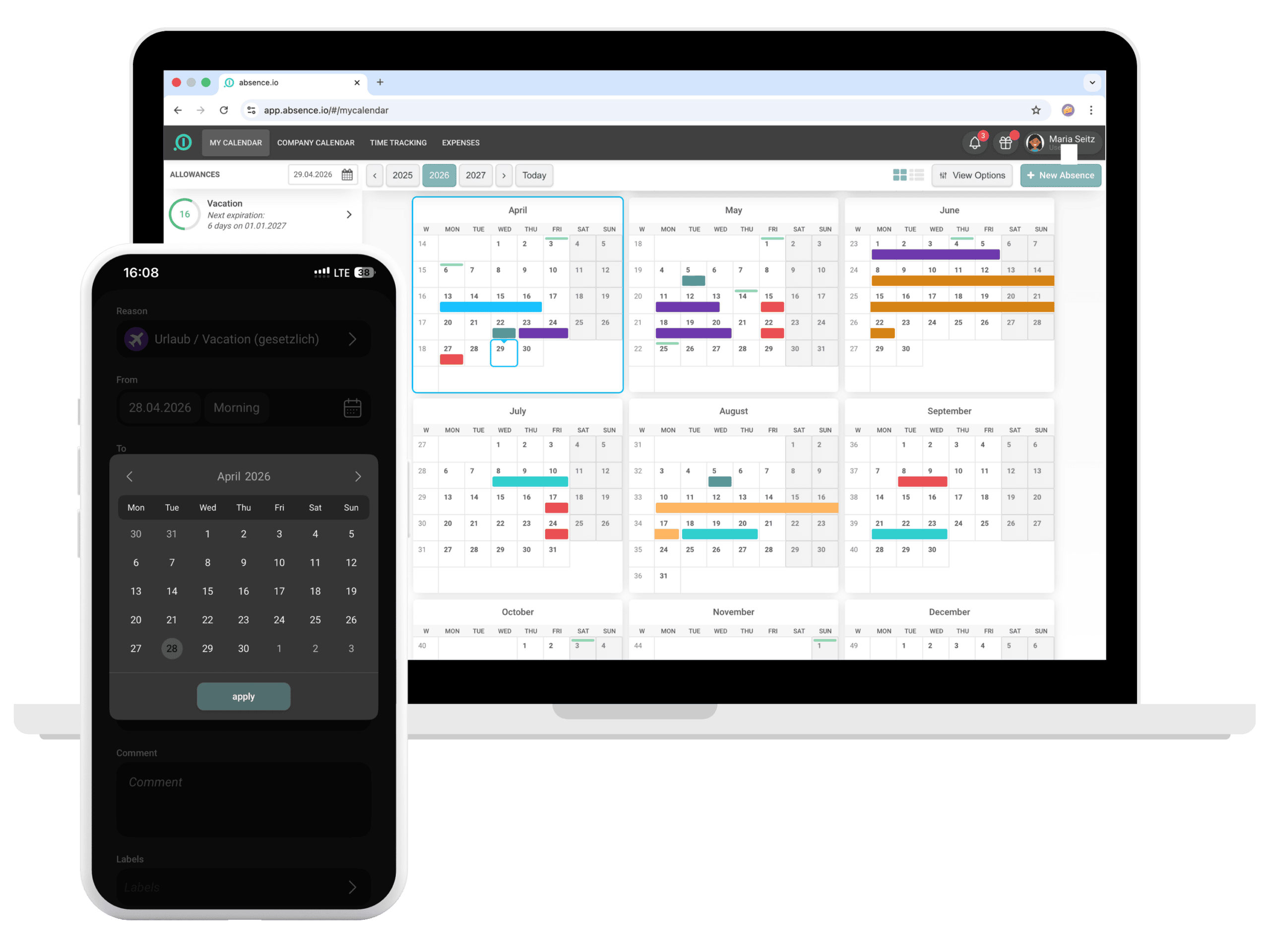
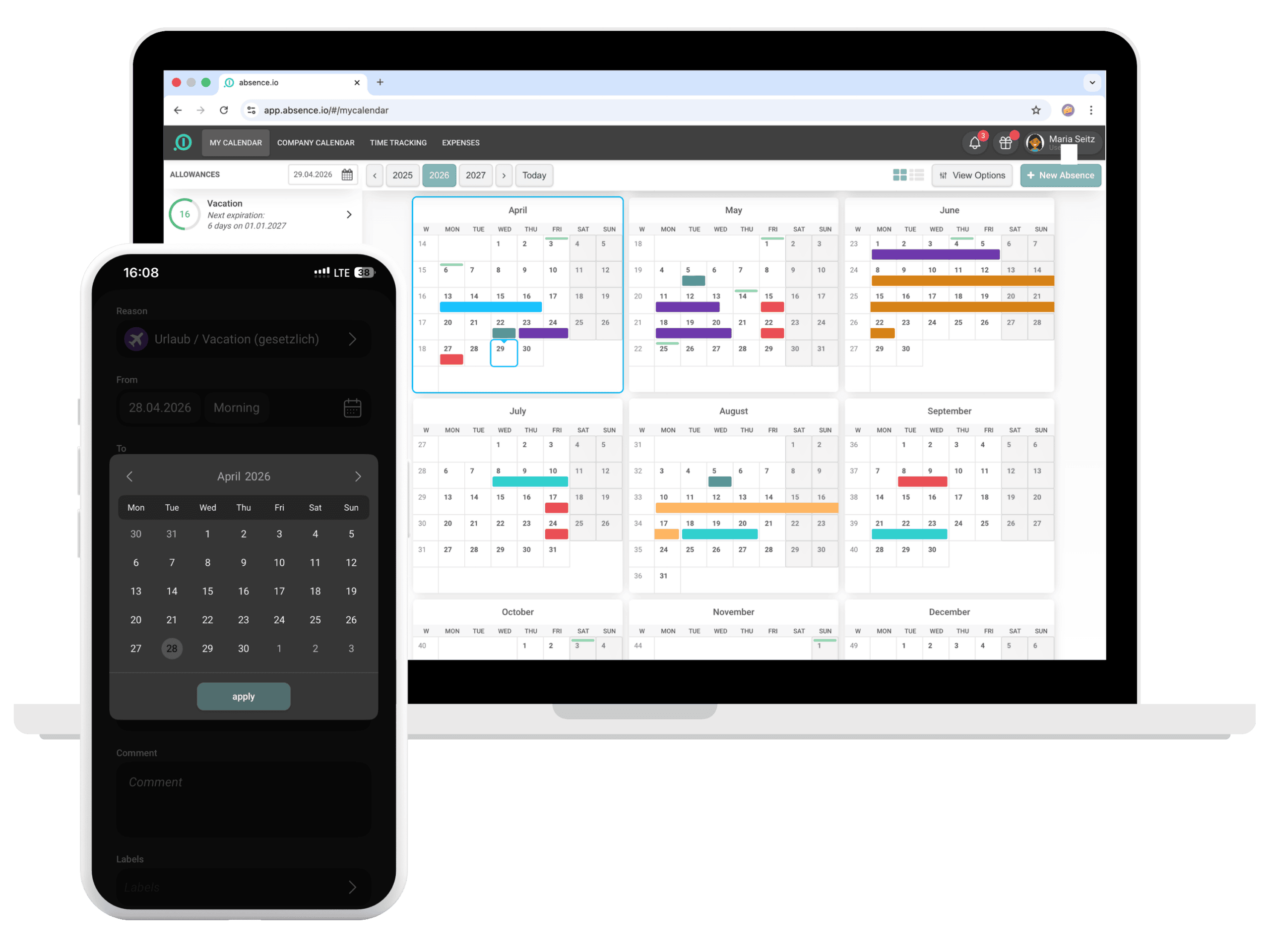
Personal annual calendar on desktop and leave request with date selection in the absence.io mobile app

EASY REQUESTS & APPROVALS

Manage leave and time off in just a few clicks

Request vacation, business trips, sick leave or any other type of absence directly in the tool and approve them in seconds. If needed, you can assign a stand-in right away, so it's immediately clear who's covering your tasks while you're out. All requests are managed in one central place, fully transparent and accessible at any time.

Avoid time-consuming email coordination, reduce misunderstandings and keep track of all pending and approved leave requests. You can define access rights individually to match your organizational structure.

The software works as a web and mobile app across all devices, whether desktop, laptop or smartphone.

Einfache & flexible Zeiterfassung

Personal annual calendar on desktop and leave request with date selection in the absence.io mobile app

Approval rules

Single-stage or multi-stage – you decide

Define who approves each absence type: one person is enough, or have several people review it in sequence – automatically forwarded, step by step.

Submit request
Department head
Approved
Submit request
Substitute
Department head
Management
Approved

Fully flexible

Combine as many approval stages as you like – from the direct manager all the way to executive management.

Per absence type

Handle vacation differently from business trips or special leave: each rule can be assigned individually.

Vacation: Department head → HR · Business trip: Department head → Finance → Management

Automatically forwarded

Each stage has to be completed before the next one starts – including a comment feature for approvers.

Leave management on desktop

Our leave management software runs directly in your browser and works on any operating system. No installation required. Simply get started and manage absences and time off from your desktop.
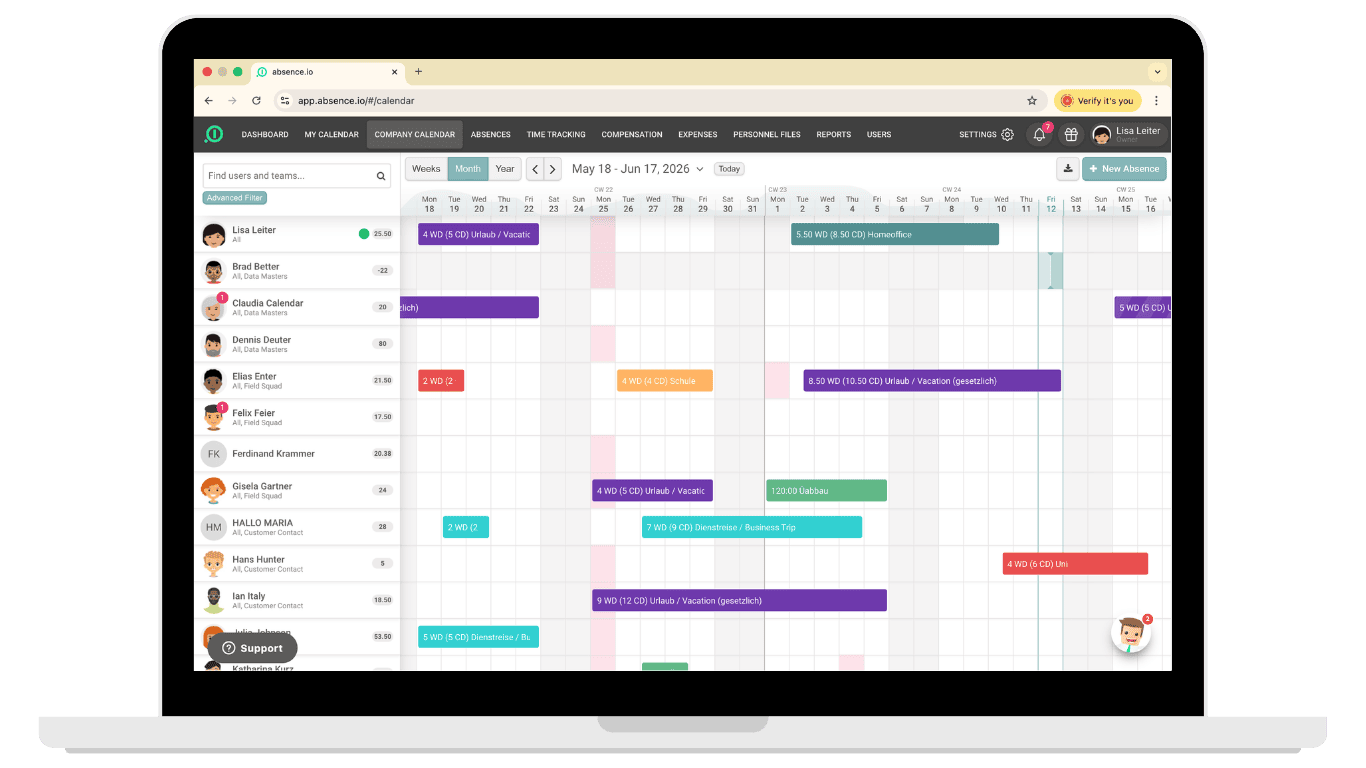
Leave request in team calendar with date selection and approval in absence.io

How it works on mobile

With the mobile app for iOS and Android, you can manage leave and absences wherever you are. Request and approve time off anytime, anywhere, quickly and easily from your smartphone.
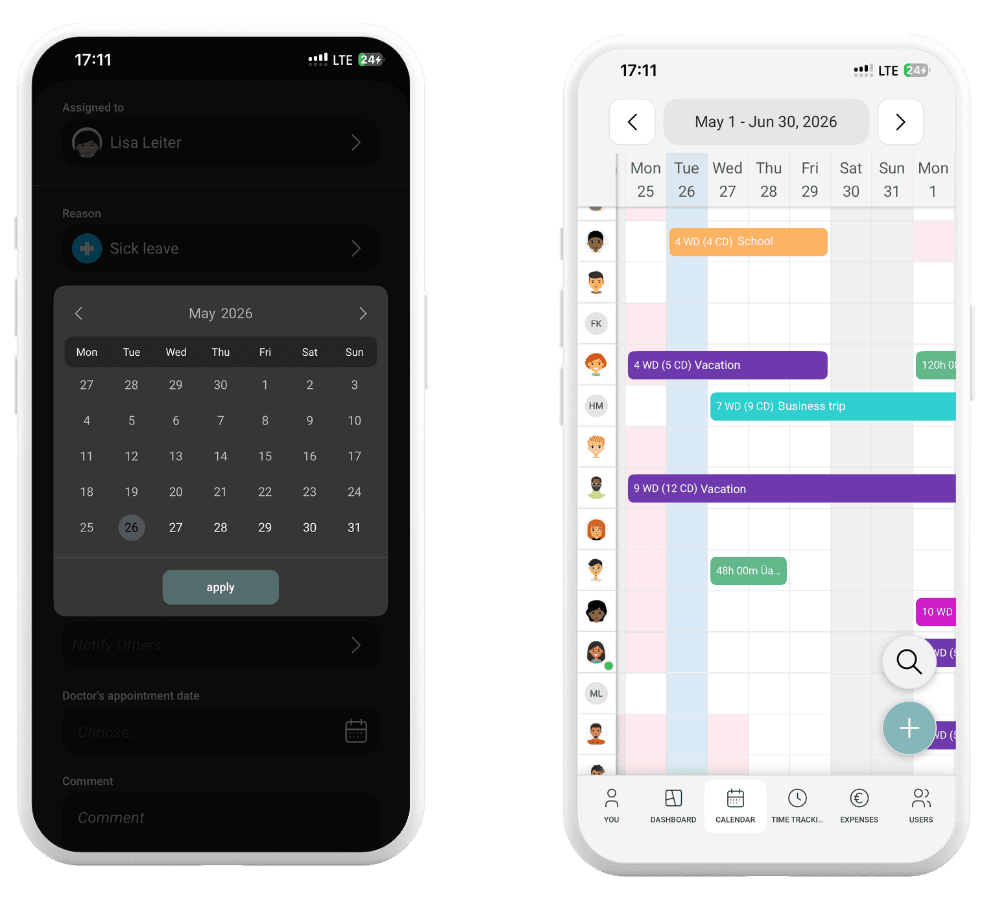
Individual absence types and simple leave request in the absence.io mobile app

Optimized for tablets

Perfect for meetings or working on the go. All leave management features available at a glance.
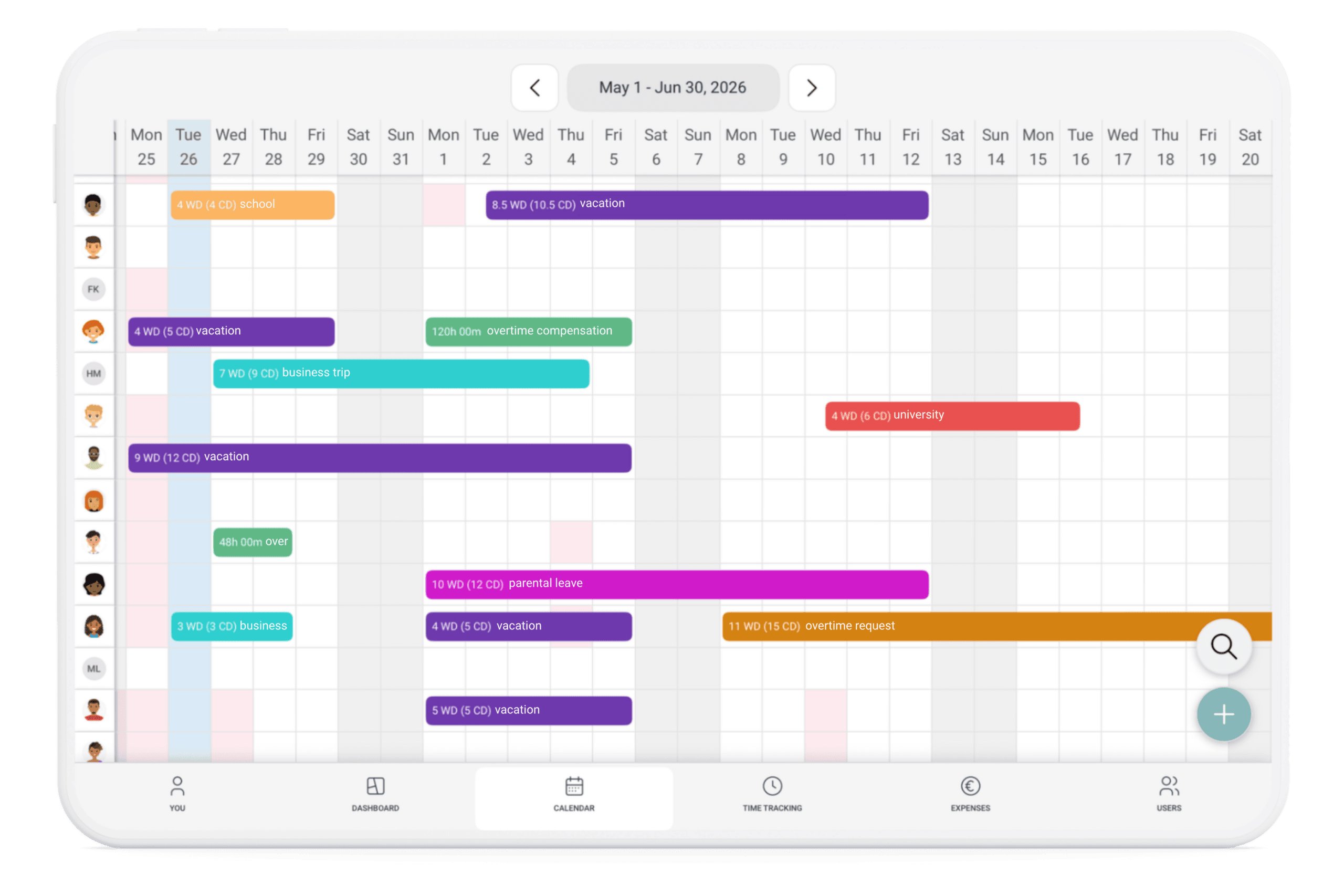
Team calendar on tablet with vacation, business trips, parental leave and other absences in absence.io

Einfache & flexible Zeiterfassung

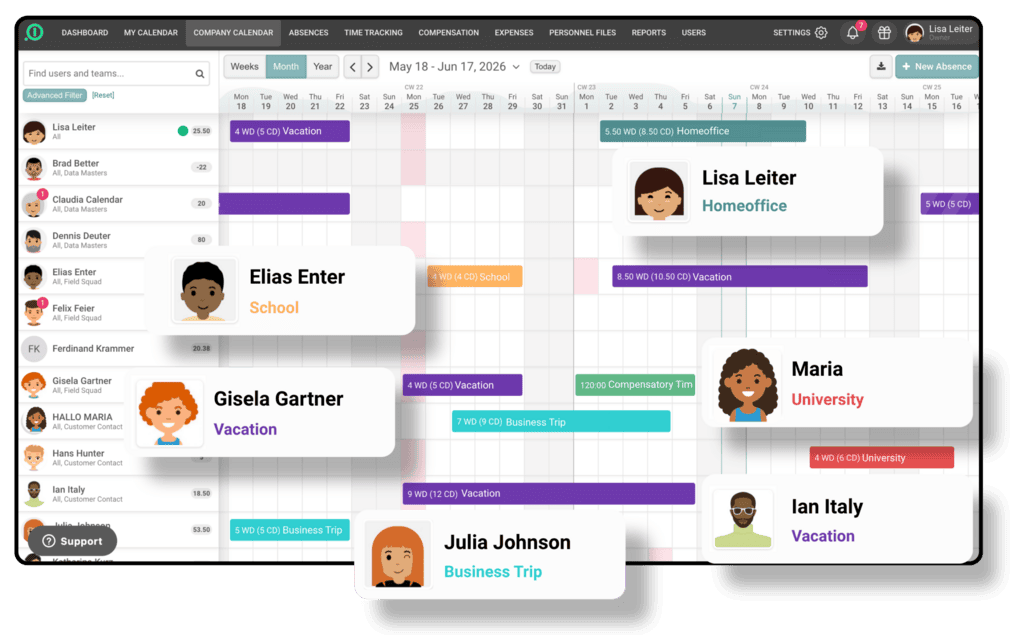
Team calendar in absence.io with employee overview and current absences including vacation, remote work, sick leave and business trips

SIMPLE, INTUITIVE & TRANSPARENT

Keep track of all absences at all times

The interface is designed so you can get started instantly and always maintain a clear overview of all absences and time off. Structured workflows help prevent errors and ensure all information is captured consistently.

This reduces back-and-forth communication, saves time in daily coordination and minimizes misunderstandings across your team.

FAST & FLEXIBLE IMPLEMENTATION

Up and running in minutes, tailored to your processes

absence.io is set up in just a few minutes and ready to use immediately. Create custom leave types and adapt the system to your workflows and internal structures.

At the same time, the software integrates seamlessly into your existing processes without complex setup or lengthy implementation phases.

Einfache & flexible Zeiterfassung
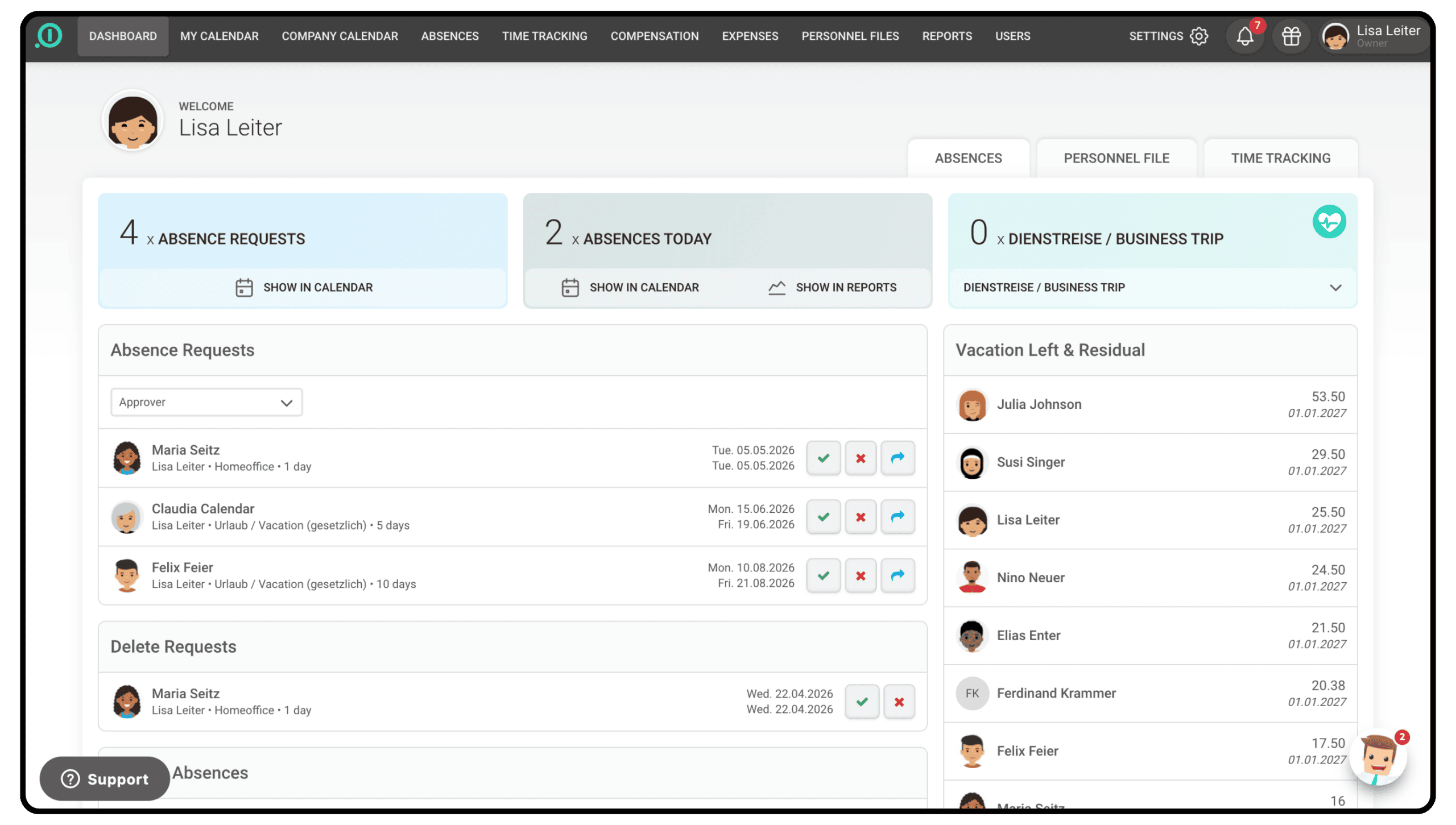
Admin dashboard in absence.io with leave requests, current absences and available vacation days per employee

Einfache & flexible Zeiterfassung

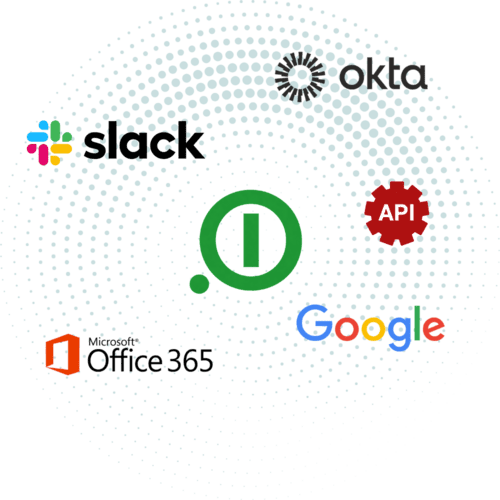
absence.io integrations with Slack, Okta, Google, Microsoft Office 365 and API

SMART & PRACTICAL INTEGRATIONS

Connect absence.io with your existing tools

absence.io integrates seamlessly into your existing system landscape. Connect with Office 365, Google, Slack or Okta to streamline your workflows.

With the API, you can also integrate the software flexibly into your own systems and processes exactly the way your organization needs it.

Learn more about our integrations here.

Customers

What teams that use absence.io every day are saying

“

absence makes my work as a team leader easier, especially when it comes to vacation planning and maintaining an overview of attendance. Submitting my own requests is also extremely simple.

C
Christian Friedrich via Trustpilot
“

As a company, we are very satisfied with the vacation app; it is hard to imagine an easier way to record and manage data.

S
Sven Krauel via Trustpilot
“

Straightforward digital vacation planning!
J
Jan Owner at Physiotherapie Postma & Clemens GbR · via OMR Reviews
Ben and Marion from the absence.io sales team advising customers on the HR software

Free & no obligation

Get personal advice

Book a meeting
Leave management on desktop and smartphone in the absence.io app - try free for 14 days

14 days free, no credit card

Explore our software

Get started for free

Absence and leave management in the mobile app:
anywhere, anytime

Submit and approve requests and keep track of the team calendar, right from your smartphone.

FAQ

Frequently asked questions about our plans

Everything you need to know about leave management with absence.io.

Can I sync my absence.io calendar with Outlook, Google or Apple Calendar?
Yes, the absence.io calendar can be synchronized with external calendars such as Outlook, Google or Apple Calendar. This allows vacation and absence entries to be automatically transferred to your preferred calendar.
Are public holidays automatically included in absence.io?
Yes, public holidays are automatically included in absence.io. The software takes regional and country-specific holidays into account, so they appear automatically in the system and are considered in leave planning.
Is there an overview of used and remaining vacation days?
Yes, absence.io provides a comprehensive overview of used and remaining vacation days. Employees can check their status at any time in both the calendar and their profile. Administrators also have access to advanced reporting features.
Do users receive reminders before vacation days expire?
Yes. You can enable automatic reminders for your account. Employees will receive an email reminder three months before their vacation days expire, so you don't have to keep track manually. You can also limit the carryover of unused vacation days to ensure they don't accumulate indefinitely.
Are email notifications sent for leave requests?
Yes, absence.io sends email notifications for leave requests. By default, approvers are notified by email when a request is submitted for approval. You can also configure specific email notifications for different absence types, either at department level or by absence type. This ensures that the right people are always informed. Employees also receive an email confirmation when their request is approved or rejected.
Is there a multi-level approval process for leave requests?
Yes, a multi-level approval process is currently in beta and will be available to all customers soon. It lets you map approval workflows with several stages, for example when both the direct manager and HR need to sign off on a request.
Can I assign a stand-in when I'm on leave?
Yes, when submitting a leave request you can name a stand-in who is reachable or responsible while you're away. This gives colleagues and managers a clear view of who's covering your tasks in the meantime.
Can I manage remote work with absence.io?
Yes, with absence.io you can efficiently manage remote work days and set limits for how many days are allowed per week or month. Simply create a specific absence type for remote work and define a quota to control the maximum number of days within a given period.
What are the advantages of using software instead of Excel?
Leave management software provides significantly more transparency, automation and reliability than Excel. While spreadsheets can quickly become complex and require manual work, requests, approvals and reports are handled centrally and automatically in a software solution. This helps reduce errors, saves time and ensures you always have an up-to-date overview of all absences across your team.

Your employee data is secure with us

SSL encryption

ISO-certified servers

Daily data backups

SSL-encrypted: secure data transmission at absence.io absence.io is GDPR-compliant, meeting EU data protection standards Cloud Services Made in Germany – quality seal for absence.io as a German cloud provider
Scroll to Top